Hear your trombone part on a clarinet (and why you would)
The Playback instrument sheet looks like a toy. For anyone who plays a bass-line instrument, it is a way to finally hear the tune.
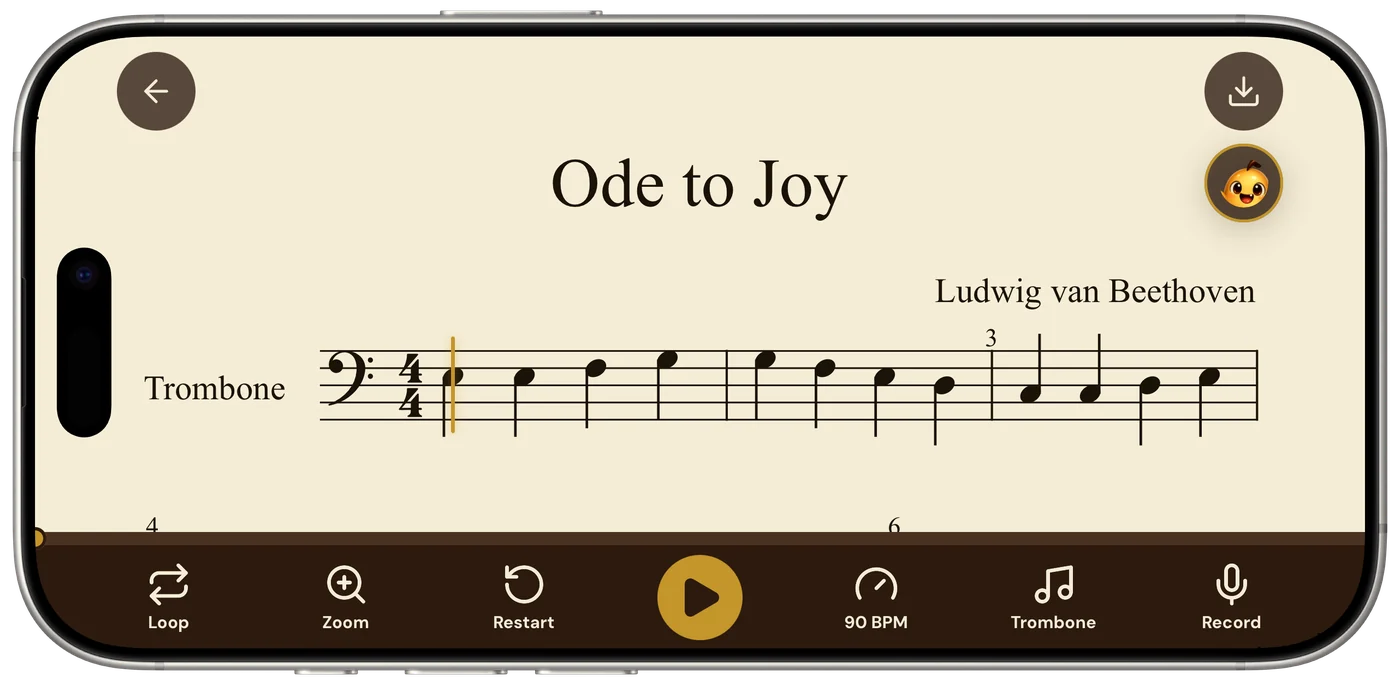
Tap the instrument name in the bottom bar of the Sheetly player and a sheet slides up: Playback instrument. The instruments are grouped by family: keys, guitar and bass, strings, woodwinds, brass, then voice and a drum kit (the full list). Pick one, tap Done, and the same notes come out of a different mouth.
It looks like a toy. It is actually one of the more useful practice buttons in the app, and here is why a trombonist might spend an afternoon listening to their part as a clarinet.
1. Hear the line in a register where you can actually hear it
Low brass lives in the bottom of the texture. Played back as a trombone, a bass-clef part can sound like a warm blur: pitches are there, but the steps between them are harder to pick out, especially on phone speakers. Switch the playback to flute or clarinet and the same line sits an octave or two up, where every interval is obvious. You are not changing the music. You are changing the lighting.
2. Find the tune when your part is the bass line
If you play trombone, baritone, bassoon or cello, a lot of your parts are the floor the melody stands on. Bar after bar of roots and fifths can feel like nothing when you practise alone. Play the same bars back on violin and suddenly it is a little melody of its own. Once you can hear it as a line rather than as a job, you play it like a line.
3. Keep the fifteenth rep interesting
Looping four bars fifteen times is the right thing to do and it is tedious. Changing the sound halfway through is a cheap way to make the ear pay attention again. Reps six to ten on organ. Reps eleven to fifteen on saxophone. The notes are identical; your brain is not bored yet.
If a passage is mostly sustained pitches, play it back on organ. Organ holds a note at full strength for its whole written length, which makes it very clear exactly when each one is supposed to end.
The score remembers, you do not have to
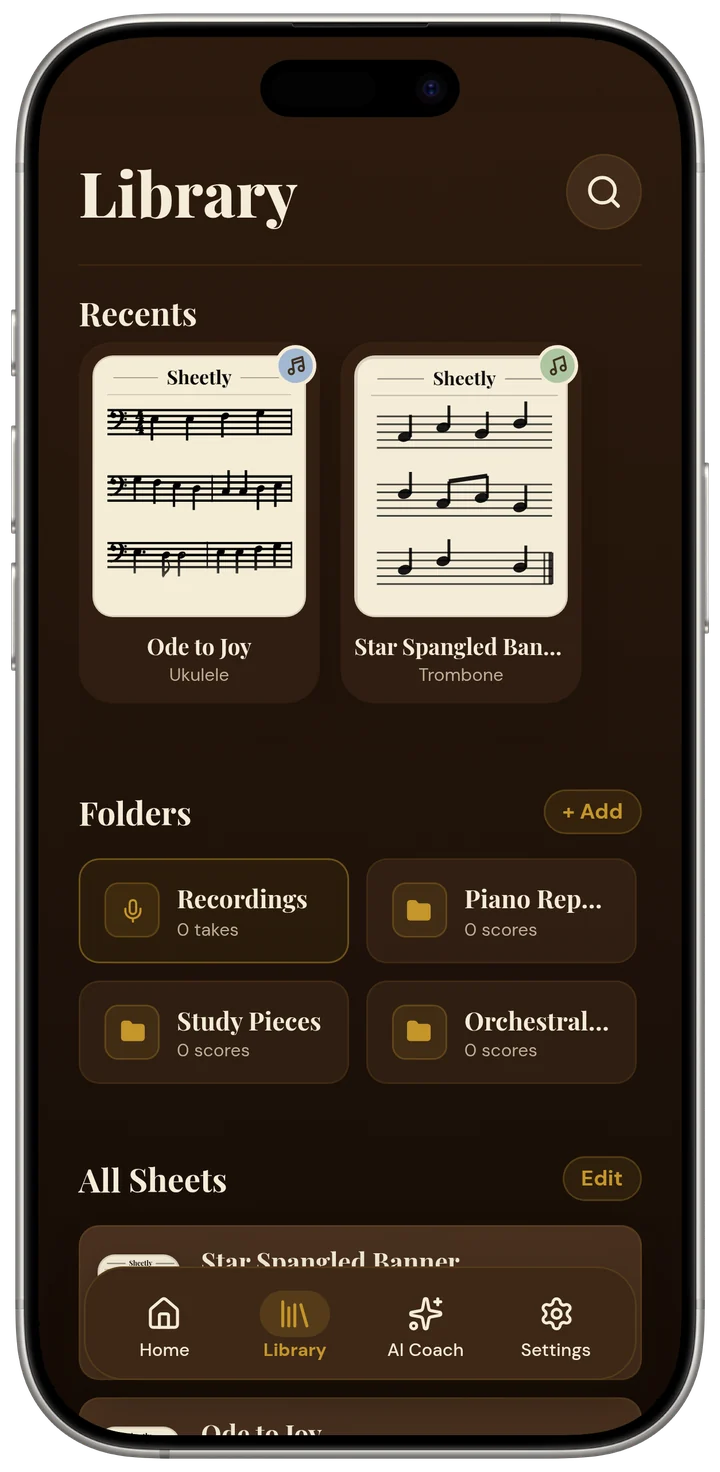
Every scanned score in your library is tagged with an instrument. The Ode to Joy in the screenshot below is filed as a ukulele score; another copy could be trombone. Playback instrument is separate from that: it is just the voice the player uses right now, and you can change it as often as you like without touching the score itself.
Try your own part in a different voice
Photograph the page or import a PDF and Sheetly turns it into a score that plays. Open it, tap the instrument name, pick something that is not your instrument, and listen to what you have been missing. Sheetly is on the App Store for iPhone and iPad.
Same notes, different voice.
Scan your part, tap the instrument name, and hear it as a clarinet, a violin or an organ.

Free to download · iPhone and iPad · Android on the way

 Written by Love Ranmar, who makes Sheetly. hello@trysheetly.com
Questions
Which playback instruments does Sheetly have?
Keys, guitars, strings, woodwinds, brass and voice, from piano and organ to flute, trumpet and tuba, plus a drum kit. Tap the instrument name in the player’s bottom bar and pick from the sheet. See the full list of supported instruments.
Does switching instruments change the notes?
No. Same notes, same octaves, different voice. If you want the part moved for a transposing instrument, that is a different job. See transposing instruments explained.
Why would a trombonist listen on a clarinet?
Because bass-line players rarely get to hear their line as a tune. A register or two up, the same part reads as a melody, and phrasing you cannot hear at the bottom of the texture becomes obvious.