
What it reads, and what it does not
A sheet music scanner reads standard notation: the five-line staff, clefs, note heads, stems and rhythms. It does not read tablature and it does not read chord diagrams. For a guitarist, that line runs straight through the middle of the music you own.
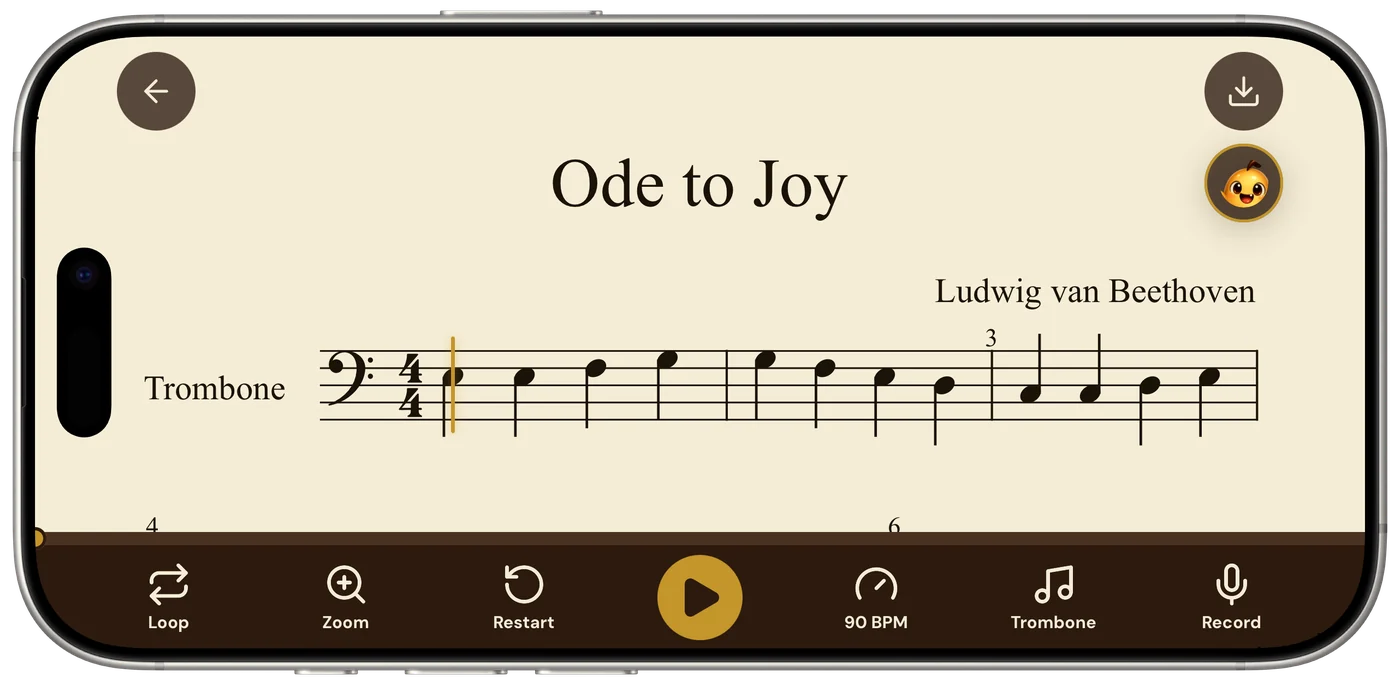
- Sheetly reads standard notation and plays it back. Classical, fingerstyle and any guitar music printed on a treble staff works.
- Tablature, chord boxes and chord symbols are not recognised by Sheetly or by the other mainstream scanners.
- On a page with notation and tab stacked together, the notation staff is read and the tab is ignored.
- Export the scanned piece as MusicXML and notation software can add a linked tab staff afterwards.
This is worth saying before anything else because it decides whether scanning is useful to you at all. If what you have is a book of tab, a chord chart, or a songbook with lyrics and chord boxes, a scanner is the wrong tool, and no phone app in this category will change that. Optical music recognition is built around the staff, and tab is a different notation with different rules.
If what you have is notation, whether a classical study, a fingerstyle arrangement, a grade book or a transcription with the standard staff printed above the tab, then a scanner does for you exactly what it does for a pianist or a violinist: it turns the page into something you can hear.
Classical and fingerstyle in notation
Guitar notation sits on a single treble staff, written an octave above where it sounds, with the bass line and the melody sharing the staff as separate voices. That last part is what makes it interesting for a scanner, and it is handled well: opposing stems on one staff are an ordinary feature of printed music, and the bass and treble voices come back as separate lines that play together.
What you hear on playback is the whole texture at whatever tempo you set: the sustained bass under the moving treble, the inner voice if there is one. For fingerstyle music in particular that is the thing that is hard to get from the page: not which notes to play, but how the voices fit against each other in time.
Things that read reliably: printed studies and repertoire, grade-exam books, arrangements in standard notation. Things that need a careful photograph: dense chords with six notes stacked, passages with a lot of ledger lines above the staff, and very small print in anthologies. Things that are not read at all: fingering numbers, string indications in circles, barré marks and position marks. They are not part of the playback, but the coach can discuss them.
Scanning a guitar page
- Flatten itGuitar books are usually thin and lie flat on a table. If it is a thick anthology, press the spine down so the staff runs straight.
- One page, square-onPhone parallel to the paper, centred, the staff filling the width of the frame. Not the open spread. The full set of photography habits is here.
- Notation-plus-tab pages are fineIf the tab staff is printed under the notation, photograph the page as it is. The notation is read; the tab is ignored.
- Listen straight through oncePlay it at the written tempo and listen for anything that sounds wrong in the key. That is where a misread accidental shows itself.
- Slow it down and loopThen take the tempo to something you can actually play, and loop the passage that needs it.
PDFs, such as a piece from a teacher or a public-domain edition, import directly with no camera involved.
Hearing it, looping it, slowing it
The reason to scan a guitar piece is what becomes possible once the page has a play button. Three things in particular.
Hearing the voices together
Fingerstyle and classical music is contrapuntal by nature: the bass has its own line, the melody has its own line, and the skill is keeping both alive at once. Hearing the page played back at a slow tempo makes the relationship audible in a way the page alone never quite manages. You hear where the bass note is supposed to ring through, and where the treble is supposed to be on top of it.
Slowing down without the pitch moving
Slowing a recording changes the tone and, on many tools, the pitch. Slowing a score does not: Sheetly plays the notes it read, so half tempo sounds like the piece at half tempo. Set it to a speed where every note is clean, and walk it up.
Looping the bar with the stretch in it
Most guitar pieces have a handful of bars that are harder than the rest: a stretch, a barré change, a bass line that moves while the treble does something else. Loop those four bars and practise them in isolation, rather than starting from the top every time and practising the easy opening over and over.
Recording a take
Play against the scanned score and record it. Listening back is where you find the rushed bar, the bass note that got cut short, the rhythm that was not quite what was written.
Asking about the piece
Once a page has been read, it can be asked about. The coach in Sheetly has the notes of the piece you scanned, so questions can be about your bar 6 rather than about guitar in general: why the bass line keeps dying, where a phrase actually begins, which bars are worth the evening.
It will not tell you which fret to use for every note, since that is a question about your hand and your instrument as much as about the music, but it will talk about the shape of a passage, the voicing, and what to practise first, by bar number.
Ask Sheetly: a coach that has read your score
Not a chatbot bolted onto a music app. The coach has the actual notes of the page you just photographed, so you can ask about your bar 6 and get an answer about what is written in it.
We know of no other sheet-music scanner that does this. Every other tool in this category hands you a transcription and stops.
 Free to download · iPhone and iPad
Getting tab afterwards
Sheetly does not produce tab. What it does produce is MusicXML, the standard interchange format for notation, and that turns out to be the practical route to tab for anyone who wants it.
Export the scanned piece as MusicXML and open it in notation software. MuseScore, which is free, can add a tablature staff linked to the notation staff, and will fill in fret and string numbers automatically using a default position. Those defaults are a starting point rather than an answer, since the software does not know your fingering, but correcting a few positions is far quicker than entering the piece from scratch, and every change on the notation staff updates the tab with it.
The same export also gives you MIDI if you want the piece in a DAW, or a clean PDF if what you wanted was a tidier copy of the page. The export guide covers what survives each format.
Questions
Can a sheet music scanner read guitar tab?
No. Sheetly, like the other mainstream sheet music scanners, reads standard five-line notation. Tablature, which is six lines with fret numbers, and chord diagrams are not recognised. If a page has both notation and tab, the notation staff is what gets read and played back.
Does Sheetly read classical guitar sheet music?
Yes. Classical and fingerstyle guitar music is printed in standard notation on a treble staff, and that is exactly what optical music recognition reads. Sheetly photographs the page, reads the notes and rhythms, and plays the piece back at any tempo.
Can I slow down a guitar piece without changing the pitch?
Yes. Sheetly generates the playback from the notes it read, so dropping the tempo leaves the pitch where it is. Set any tempo, loop a passage, and raise the speed as it becomes comfortable.
Can I turn scanned guitar music into tab?
Not inside Sheetly directly. Sheetly exports the scanned piece as MusicXML, which free notation software such as MuseScore can open and display as a tab staff linked to the notation. Fret and string choices are then yours to edit.
Does it read chord symbols above the staff?
Sheetly reads and plays the notes on the staff. Chord symbols such as Am7 above the staff are not part of the playback. For a lead sheet with a melody line, the melody plays; the chords are for you to strum.