
What a choral score asks of a scanner
A page of SATB music is four or more staves that belong together. Reading it means reading each staff correctly and, harder, knowing that they are one piece rather than four. When that works, a singer gets the thing choirs have always needed and rarely had: a reference for their own line, any time, at any tempo.
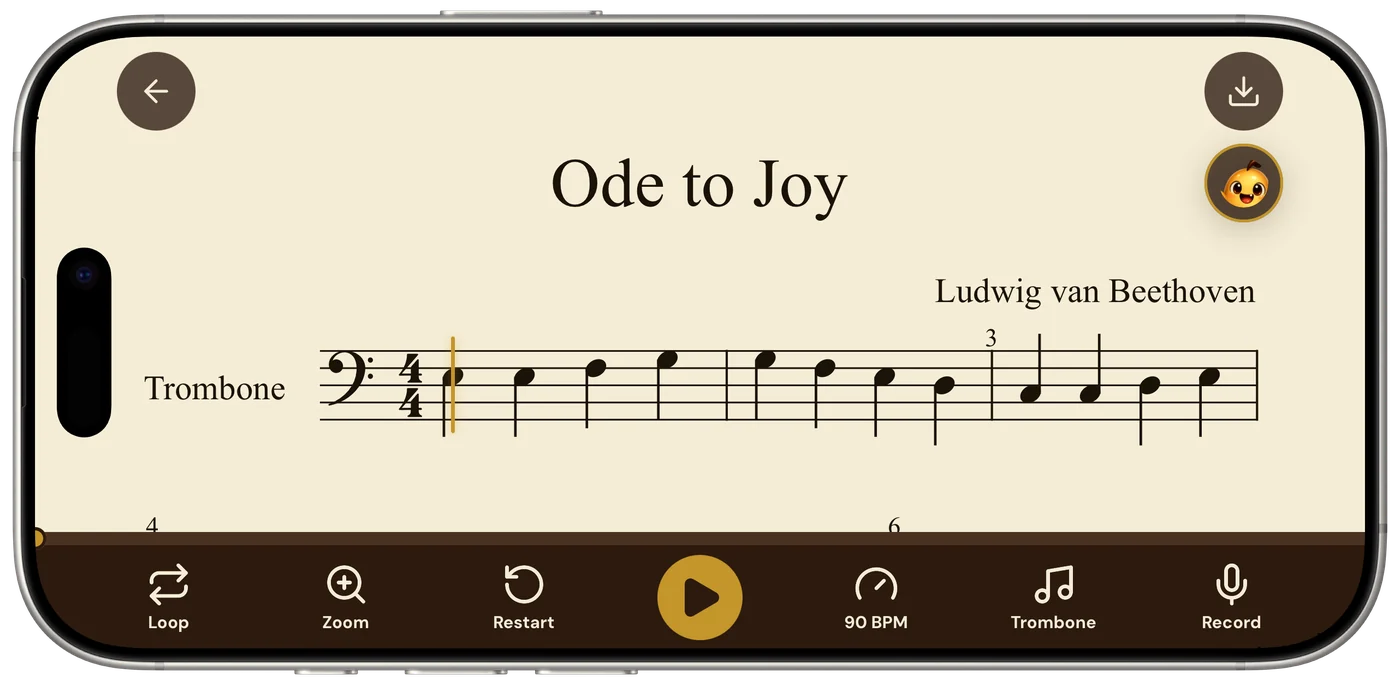
- Printed choral scores photograph and play back as one piece, whether open SATB, closed hymnal-style, with or without piano reduction.
- Open score (one voice per staff) is the cleaner case; closed score reads the way piano music does, two voices to a staff.
- Playback is the notes, not the words: singers learn the line from the playback and the text from the page.
- Tempo and loop controls make it a rehearsal pianist for note-learning; the coach answers questions about entries and clashes by bar.
The difficulty a choral page presents is structural. Each staff is a simple single line, since vocal writing is mostly one note at a time, but a scanner has to group those staves into a system correctly, carry the grouping across every system on the page, and keep the bar lines aligned between voices. Get the grouping wrong and the alto line arrives as a separate piece playing at the same time. Get it right and the page comes back as the anthem you photographed.
This is the same problem piano music poses, multiplied by the number of voices, and it is the part of recognition that separates scanners from one another. Sheetly’s own benchmark includes multi-stave choral and vocal pieces specifically because they are the case most likely to go wrong.
Open score, closed score
Choral music is printed in two layouts, and they read differently.
Open score gives each voice its own staff: soprano, alto, tenor, bass, often with a piano reduction below. Four or five staves per system. This is the cleaner case for a scanner, because every staff is a single voice and there is nothing to disentangle within a staff. The work is entirely in the grouping.
Closed score, used in hymnals, most congregational music and a good deal of older anthems, puts soprano and alto on one treble staff and tenor and bass on one bass staff, stems up and stems down. This reads exactly as piano music does: two staves, two voices each. It works well, but voices sharing a staff are the place where a note can be assigned to the wrong line, so listen once for a part that suddenly leaps where it should not.
Tenor lines are a particular case. In open score the tenor is usually printed in treble clef sounding an octave lower, marked with a small 8 under the clef. Sheetly detects the octave clef and plays the line where it sounds, which matters: a tenor part played an octave too high is the commonest way a choral playback sounds wrong.
Scanning a choral page
- One page, not the spreadOctavos and anthologies open to two pages. Photograph one at a time; the pages stitch together in the app and you keep the full resolution for each.
- Flatten the gutterChoral books are stapled or bound and curl at the centre. Press it flat. Curved staves are the first thing that breaks grouping.
- Square-on, full widthPhone parallel to the page, every staff of the system inside the frame. If the page is tall, make sure the bottom staff, usually the piano reduction, is not cut off, because losing it changes the structure of the whole system. The photography habits are here.
- Check the grouping firstWhen the score comes back, look at whether the staves are bracketed together as one system. If a voice arrived as a separate instrument, rescan that page.
- Listen straight throughAt tempo, once. An entry on the wrong octave or a line that leaps out of its range announces itself immediately.
If the director has sent a PDF, import it directly. That skips the camera and the gutter entirely.
Learning a part from the playback
The problem every choir has is that rehearsal time is spent teaching notes, and singers who cannot read fluently have no way to learn their line between rehearsals. Playback changes that, and the way to use it is fairly specific.
Hear the whole texture first
Play the piece through at tempo with everything sounding. Your line makes sense in context: where it sits in the chord, where it moves and where it holds. Hearing the whole thing once is worth more than picking your part out cold.
Then find your line and slow it down
Drop the tempo until you can follow your staff with your eye and your ear together. Sing along, quietly at first. The playback holds your note for you against the other parts, which is the thing a piano rehearsal does and a recording of the full choir does not.
Loop the entry
Almost every wrong note in a choir is an entry: a part coming in after rests, finding its pitch from what came before. Loop the two bars before your entry and the bar after. Learn where the note comes from, which other part just sang it and which chord it belongs to, and it stops being a guess.
Record yourself against it
Sing your line over the playback and record it. Hearing your own part against the others is where you find the flat entry and the rhythm that was not quite what was printed.
Playback is the notes. The text is on the page, and the way singers have always learned it: notes first from the playback, then the words fitted to them from the score. Sheetly does not sing lyrics and does not pretend to.
For directors
For a director the use is more practical than inspiring: it is a rehearsal pianist that is always available. Photograph the anthem, and you have a playback for note-bashing at any tempo, a loop for the passage the tenors cannot find, and something to send singers home with so the next rehearsal starts further along.
It is also a quick way to hear a piece you are considering before committing the choir to it, and to check a tricky harmonic moment, such as a suspension, a false relation or a modulation, at a tempo slow enough to listen properly.
Where it stops
Honest limits, because choral music has a few.
- Lyrics are not read and not sung. The playback is instrumental.
- Divisi, a part splitting into two on one staff, is read as two voices on that staff, which is usually right, but dense divisi with three or four notes per staff is where mistakes concentrate. Listen for it.
- Very large scores, such as double choir or eight staves plus orchestra reduction, are harder to photograph in one frame at a usable resolution. A PDF import is the better route.
- Handwritten or photocopied-from-handwritten parts are not printed notation and will not read. Here is what to do instead.
- Chant, shape notes and graphic notation are outside what optical music recognition reads.
Asking about the piece
Once the score has been read, it can be asked about. The coach in Sheetly has the notes of every staff on the page. Ask why a section keeps going flat, where an entry gets its pitch from, or which bars to rehearse first, and the answers refer to what is written in your score, by bar number.
Ask Sheetly: a coach that has read your score
Not a chatbot bolted onto a music app. The coach has the actual notes of the score you just photographed, so you can ask about your alto line in bar 14 and get an answer about what is written there.
We know of no other sheet-music scanner that does this. Every other tool in this category hands you a transcription and stops.
 Free to download · iPhone and iPad
Questions
Can an app scan choir sheet music and play all the parts?
Yes, provided the score is printed notation. Sheetly photographs a choral page and plays every staff back together at any tempo: soprano, alto, tenor, bass and any accompaniment. A singer can hear the whole texture or focus on one line.
Can I hear just my voice part?
You can hear the full score and use the tempo and loop controls to learn your line within it, which is how most singers rehearse. Sheetly reads the score as the separate staves printed on the page, and the export to MusicXML keeps the parts separate if you want to isolate one in notation software.
Does a sheet music scanner read lyrics?
Sheetly reads the music and plays it back: pitches, rhythms, clefs, key and time signatures. Lyrics under the staff are not part of the playback. Singers learn the notes from the playback and the words from the page.
Does it work with hymnals and closed-score choral music?
Yes. Closed score, with soprano and alto sharing one staff and tenor and bass sharing another as in a hymnal, reads as two staves with two voices each, the same way piano music does. Open score, with each voice on its own staff, reads as four staves and is generally the cleaner case.
Can a choir director use this in rehearsal?
Many do something like it with a piano. Sheetly gives a director a playback of the score at any tempo, the ability to loop a passage for note-bashing, and a way to send singers home with a reference they can practise against during the week.