The short answer
No. Sheetly reads printed notation, and so does every other sheet music scanner you are likely to come across. A handwritten page, whether a manuscript, a teacher’s pencil exercise or a photocopy of a hand-copied part, will not read reliably in any of them, and a page that claimed otherwise would be selling you something.
- Sheetly, PlayScore 2, ScanScore, PhotoScore and Sheet Music Scanner all read printed or engraved notation. None is built for handwriting.
- Handwritten music recognition is an open research problem: shapes, spacing and stems vary too much for printed-notation models.
- The route that works: typeset the manuscript in free notation software, export a PDF, then scan or import that.
- If the piece is published, photographing a printed edition is faster still, and reads cleanly.
This page exists because “handwritten sheet music scanner” is something people search for, and most of what they find either dodges the question or answers a different one. We would rather be the page that tells you plainly, and then tells you what does work.
Why handwriting is hard
Optical music recognition works because printed notation is extraordinarily consistent. A crotchet head in one engraved edition looks like a crotchet head in every other: same shape, same size relative to the staff, same angle, a stem attached in one of two places. A model trained on printed pages learns those regularities and leans on them hard.
Handwriting removes nearly all of them. Note heads are ovals, blobs, ticks or dashes depending on who wrote them and how fast. Stems lean. Beams wander. Spacing has nothing to do with duration. Accidentals are drawn a dozen different ways. Staff lines, if the paper was hand-ruled, are not even straight. Every one of those is a feature a printed-notation model treats as a signal, and in a manuscript each one is noise.
Add the usual manuscript problems, such as crossings-out, pencil that has faded and notes squeezed in above the staff, and the page is closer to a different writing system than to a noisy version of the printed one. This is why handwritten OMR is a research problem in its own right, with its own datasets and its own competitions, and why it has not arrived in a phone app.
Apps that let you write music with a stylus and turn it into notation are a different thing entirely. They recognise each stroke as you make it, with full knowledge of where the pen is and what you drew last. That is much easier than looking at a finished page cold, and it does not transfer.
The grey area
There is a middle ground, and it is worth being precise about it.
Very neat manuscript on printed staff paper, such as a copyist’s fair copy or a carefully drawn exercise, can sometimes return a partial read. Simple crotchet and minim passages may come back; anything dense, beamed or decorated usually does not. It is not something to rely on, and every bar that does come back needs checking by ear, but if you have one and you are curious, a photograph costs nothing to try.
Old printed editions that look handwritten are not handwritten. Eighteenth- and nineteenth-century engravings, lithographed editions and early typeset music are all printed notation, and they read: often well, sometimes with quirks where the engraving conventions differ from modern ones. Sheetly’s benchmark includes 60 real scanned historical engravings for exactly this reason, and it reads 58 of them to a usable result.
Photocopies of printed music are printed music. Photocopies of handwritten music are handwritten music, usually with worse contrast.
What to do instead
Two routes, depending on what the manuscript is.
If the piece is published, find the printed edition
A great deal of handwritten music that people want to hear is a hand copy of something that exists in print: a teacher’s copy of a study, a part copied out from a score, an arrangement of a known tune. The printed original reads cleanly. IMSLP holds printed editions of most public-domain repertoire as PDFs, and those import directly.
If it is genuinely only in manuscript, typeset it
- Open free notation softwareMuseScore is free, runs on any desktop, and is the standard choice. Enter the music from the manuscript. For a page of simple music this takes less time than it sounds, and the software plays it back as you go, so you catch your own mistakes.
- Export a PDFWhat you now have is printed notation. It is indistinguishable, to a scanner, from a published page.
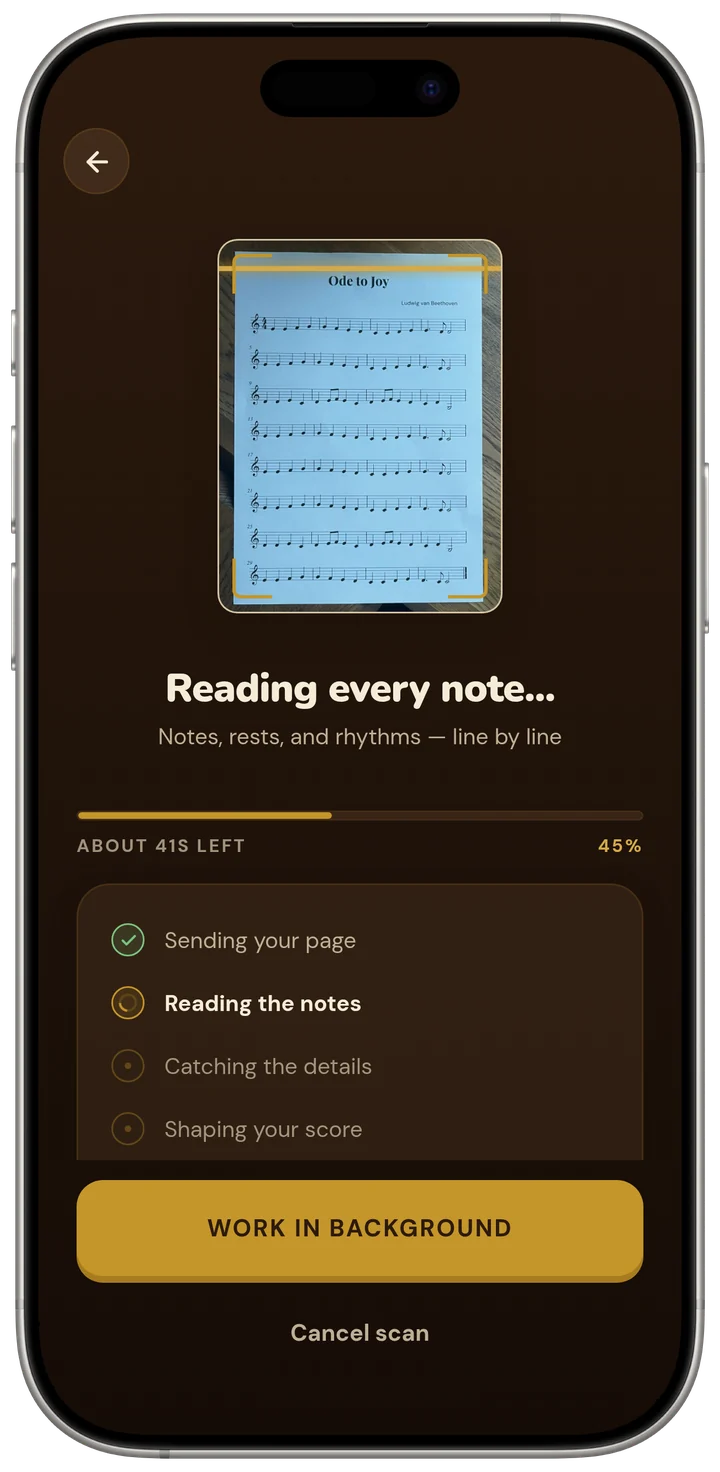
- Import it into SheetlyImport the PDF directly, or print it and photograph it. Either reads cleanly, and from here everything the app does is available: playback on any instrument, tempo, looping, recording, the coach.
It is fair to ask why you would scan something you have already typeset, when the notation software plays it back itself. The answer is that the notation program is a desktop tool for editing, and what you want at the instrument is a phone with a play button, a loop, a tempo you can nudge, and something to ask about the piece. The typesetting is a one-time cost; the practice happens on the phone.
Once it is typeset
A page produced by MuseScore, Sibelius, Dorico or Finale is the best-case input for any sheet music scanner: perfectly regular engraving, straight staves, consistent spacing. Import the PDF and the read is about as clean as a read gets. From that point the manuscript problem is behind you, and the page behaves like any other printed score in the app.
That means hearing it at tempo, slowing it down without the pitch moving, looping the four bars that are hard, switching the sound between piano, organ, flute and the other instruments, recording your own take to hear against it, and exporting MIDI or MusicXML if the piece needs to go somewhere else.
And then the useful part
A manuscript is very often a piece written for you by a teacher, a friend or a relative, and the person who wrote it is the person you would want to ask about it. Once it has been read, the coach in Sheetly has the notes, and questions about what is hard, where to start and how to practise it get answers about the piece itself, by bar.
Ask Sheetly: a coach that has read your score
Not a chatbot bolted onto a music app. Once the piece is typeset and scanned, the coach has the actual notes, so you can ask about your bar 12 and get an answer about what is written in it.
We know of no other sheet-music scanner that does this. Every other tool in this category hands you a transcription and stops.
 Free to download · iPhone and iPad
Questions
Can Sheetly scan handwritten sheet music?
No. Sheetly reads printed and engraved notation. Handwritten music, whether a manuscript, a teacher’s pencil exercise or a photocopied hand-copied part, is not something Sheetly or the other mainstream sheet music scanners can read reliably, and we would rather say so than let you find out from a bad result.
Is there any app that reads handwritten sheet music?
Not reliably, as of 2026. Handwritten music recognition is an active research area and there are academic systems that attempt it, but none of the consumer scanners are built for it, and that includes Sheetly, PlayScore 2, ScanScore, PhotoScore and Sheet Music Scanner. Apps that write music as you draw it with a stylus are a different product: they recognise your strokes as you make them, not a finished page.
What can I do with handwritten music I want to hear?
Typeset it. Enter the manuscript into free notation software such as MuseScore, which plays it back and exports a PDF. That PDF is printed notation, and a sheet music scanner reads it cleanly. If the piece is published, photographing a printed edition is quicker still.
Will a very neat manuscript work?
Sometimes, partially, and not in a way to rely on. Unusually clean manuscript on printed staff paper may return a usable read of simple passages, but note-head shapes, stem placement and spacing vary far more in handwriting than a printed-notation model expects. Treat any result as a rough sketch and check every bar.
Does Sheetly read music I typed in notation software and printed?
Yes. A page produced by MuseScore, Sibelius, Dorico, Finale or any engraving program is printed notation, and it is the case a sheet music scanner reads best. Import the PDF straight into Sheetly, or photograph the printed page.