
The short version
PhotoScore & NotateMe is the long-standing professional option: desktop software, closely tied to Sibelius, built around a real scanner and a mature correction workflow, priced for professionals. Sheetly is a phone app for players: photograph a page, hear it, loop it, slow it down, record a take, ask a coach. They are two different classes of tool and it is worth knowing which class you are shopping in.
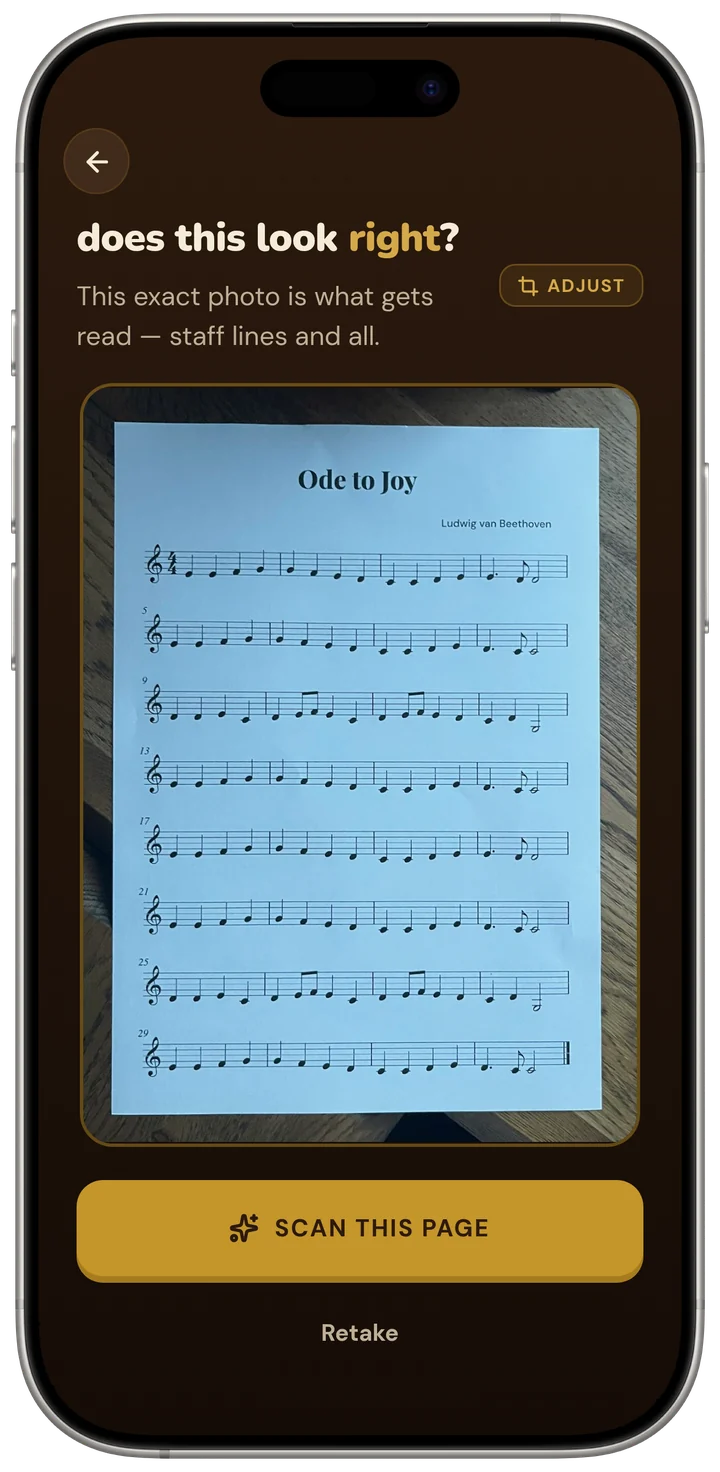
- Pick PhotoScore if you produce performance materials by arranging, engraving or preparing parts, especially in Sibelius, and you need to correct the result note by note.
- Pick Sheetly if you are learning or teaching a piece and want a page from a bound book playing on your phone within a minute, with the tools to practise it.
- PhotoScore has a correction editor and works offline on a desktop; Sheetly has neither. Sheetly has looping, take recording and a coach; PhotoScore does not advertise any of them.
- PhotoScore is paid and the full version is not cheap. Sheetly is free to download with a Pro subscription.
We make Sheetly, so read this the way you would read any comparison written by someone with a horse in the race. In exchange we state our method, publish numbers only where we have measured something, and say plainly where the other product is better.
PhotoScore has been the scanner engravers rely on for years. If you are a professional preparing parts for an ensemble, you are probably not reading this page to decide whether to switch to a phone app, and you should not. This page is for everyone else: the adult beginner, the returning player, the student and the teacher who searched for a sheet music scanner, found PhotoScore first, and wondered whether it was the right kind of tool for what they actually wanted.
Where PhotoScore is better
PhotoScore is better at producing a finished, corrected transcription for professional use. It has a mature editor for repairing mistakes, it is integrated with the Sibelius world, it is designed around a real flatbed scanner rather than a phone camera, and it handles the engraving workflow end to end. Sheetly does not attempt any of that.
The professional workflow
PhotoScore is thorough. It is built to take a scanned page, recognise not just notes but the engraving detail that professionals need, let you correct what it missed, and hand a finished result into a notation program. If your output is a printed part that a section is going to read from, that level of care is the whole job, and a phone app that gets you to playback quickly is the wrong instrument.
Sibelius
If you live in Sibelius, PhotoScore is the natural companion. That integration has years behind it.
A real scanner, offline
PhotoScore expects a desktop and a scanner and works offline. A flatbed scan is flat, evenly lit and square-on, and a tool built around that input will always have an easier recognition problem than one built around a phone photograph of a curled page in a bound book.
NotateMe
PhotoScore’s companion, NotateMe, reads handwritten music, which is not something Sheetly does at all. Sheetly reads printed and engraved notation only. If your manuscripts are handwritten, that is a capability gap, not a difference of taste.
Where Sheetly is better
Sheetly is better for a player who wants to hear and practise a piece, not publish it. It starts from a phone photograph, runs on the iPhone or iPad in your hand, and is built around the practice loop: tempo, bar looping, take recording and a coach that has read the score. PhotoScore is not trying to be that, and it is not priced for a learner who only wants to hear the page.
The phone in your pocket
No scanner, no desktop, no setup. You hold the phone over the page on the music stand and a minute later it plays. On our 31-piece benchmark Sheetly scored 95% strict F1 on simulated phone photographs against 96% on clean renders, which is the column that matters when the input is a camera. The method is here. We have not run PhotoScore through that harness, so we make no claim about how it would score.
Built for the practice, not the print
After the scan you get a player designed for learning: any tempo, a loop on the bars you cannot do, a choice of sounds, and a recorder so you can hear your own take against the score. That is the part of the job most scanners stop short of, and for a learner it is the part that matters.
The coach
Sheetly includes a coach that has read the actual notes of the piece you scanned. Ask which four bars to drill tonight, what fingering the left hand should use in bar 12, or why a passage keeps collapsing, and the answer refers to what is written on your page.
Ask Sheetly: a coach that has read your score
Not a chatbot bolted onto a music app. The coach has the actual notes of the page you just photographed, so you can ask about your bar 12 and get an answer about what is written in it.
We know of no other sheet-music scanner that does this. Every other tool on this page hands you a transcription and stops.
Price
PhotoScore is priced for professionals and expects a desktop. Sheetly is free to download, with a Pro subscription for the features a learner uses daily. If you wanted to hear one piece from one book, the difference in cost is not close.
It still exports
Sheetly exports PDF, MIDI and MusicXML, so a scan can still end up in notation software if you want it to. What you will not get is the in-editor correction step. For a learner that is rarely the blocker; for an engraver it is everything.
Feature by feature
| After the scan, can you… | Sheetly | PhotoScore |
|---|---|---|
| Hear it played back | Yes | Yes |
| Change the tempo | Yes | Yes |
| Loop one difficult bar | Yes | Not advertised |
| Record your own take against it | Yes | Not advertised |
| Ask questions about your score | Yes | No |
| Export MusicXML / MIDI | Yes | Yes |
| Correct mistakes in an editor | No | Yes |
| Read handwritten music | No | Yes, via NotateMe |
| Work with no internet | No | Yes |
| Runs on | iPhone, iPad | Desktop, with mobile versions |
Three rows go to PhotoScore and they are not small ones: the editor, handwriting, and offline use. If your work needs any of them, PhotoScore is the right class of tool and this page should not talk you out of it.
Which one should you get?
Get PhotoScore if you are producing music for other people to read, by arranging, engraving or preparing parts, and especially if you work in Sibelius. Get Sheetly if you are learning or teaching a piece and want a photographed page playing on your phone, with a loop, a tempo control, a recorder and a coach.
- Professional engraver or arranger. PhotoScore. This is its home ground.
- Handwritten manuscripts. PhotoScore with NotateMe. Sheetly does not read handwriting.
- Adult beginner, returning player, student. Sheetly. Hear the page, then practise it.
- Teacher who wants a piece demonstrated at a tempo a student can follow. Sheetly, for the tempo and loop controls.
- You want a file in notation software and do not need to correct it first. Either exports MusicXML; Sheetly is the cheaper way to find out whether the scan is good enough.
Hear the page tonight, not next week.
Photograph the page from the book on your stand, loop the bars that keep collapsing, record a take, and ask the coach what to drill. Free to download on iPhone and iPad.

Free to download · iPhone and iPad · Android on the way

Questions
Is Sheetly a replacement for PhotoScore?
Not for professional engraving. PhotoScore is desktop software with a mature correction editor, built around a flatbed scanner and the Sibelius workflow. Sheetly is a phone app for hearing and practising a photographed page. A learner who found PhotoScore first is usually looking for what Sheetly does; an engraver is not.
Can Sheetly read handwritten music like NotateMe?
No. Sheetly reads printed and engraved notation only. PhotoScore’s companion NotateMe reads handwritten music, which is a capability Sheetly does not have. If your manuscripts are handwritten, NotateMe is the relevant tool.
Which is more accurate, Sheetly or PhotoScore?
Sheetly has not measured PhotoScore and publishes no accuracy number for it. Sheetly publishes strict-F1 accuracy only against systems anyone can run head-to-head on identical inputs, such as the open-source tool Audiveris. The method is on Sheetly’s benchmark page.
Does Sheetly work with Sibelius?
Sheetly exports MusicXML, which Sibelius imports, so a scan can end up in Sibelius. What Sheetly lacks is PhotoScore’s direct integration and its correction editor, so the MusicXML you get from Sheetly is the recognition result as read, not a hand-corrected one.
Is PhotoScore worth it for a beginner?
PhotoScore is priced for professionals and expects a desktop and a scanner. A beginner who wants to hear a page from a bound book and practise it is better served by a phone app built for that, which is what Sheetly is. Sheetly is free to download with a Pro subscription.
Can I practise with PhotoScore?
PhotoScore plays a scanned score back and lets you change the tempo, but it is built for engraving and export rather than practice. Sheetly is built around practising: loop a bar, slow the tempo and walk it back up, record your own take against the score, and ask a coach that has read the piece.