
The short version
Audiveris is free, open source, desktop software and a genuinely good sheet music scanner for flat scans. It scored 88% strict F1 on our clean suite, eight points behind Sheetly’s 96%. Where it struggles is photographs: 50% on the same pieces once perspective and shadow enter. Sheetly is a phone app built for exactly that case, scoring 95% on the photographed column.
- Keep Audiveris if you have a flatbed scanner, a desktop, some patience and no budget. It is good at what it was built for, and free.
- Try Sheetly if your source is a phone photograph of a page in a bound book, if the setup put you off, or if what you want after the scan is to practise the piece rather than edit a file.
- Sheetly beat Audiveris on both columns of our 31-piece suite and on the public OLiMPiC suite of 60 systems cut from real scanned pages (90% mean vs 58%). The method is on the benchmark page.
- Audiveris has a correction editor and works offline. Sheetly has neither.
We make Sheetly, so read this the way you would read any comparison written by someone with a horse in the race. In exchange we state our method, publish numbers only where we have measured something, and say plainly where the other product is better.
We should say at the outset that we like Audiveris. It is one of the two systems we can publish numbers against precisely because it is open: anyone can run it on the same inputs through the same scorer and check our work. It is also the tool we would recommend to a developer, a researcher, or anyone with a flatbed scanner and no money to spend. This page is for people who have tried it and hit one of three walls.
The three reasons people look for an alternative
People search for an Audiveris alternative for three reasons: their input is a phone photograph rather than a flat scan, the desktop setup was more than they wanted to deal with, or they wanted to hear and practise the piece and Audiveris hands back a file. Sheetly was built for all three.
1. Your pages are photographs
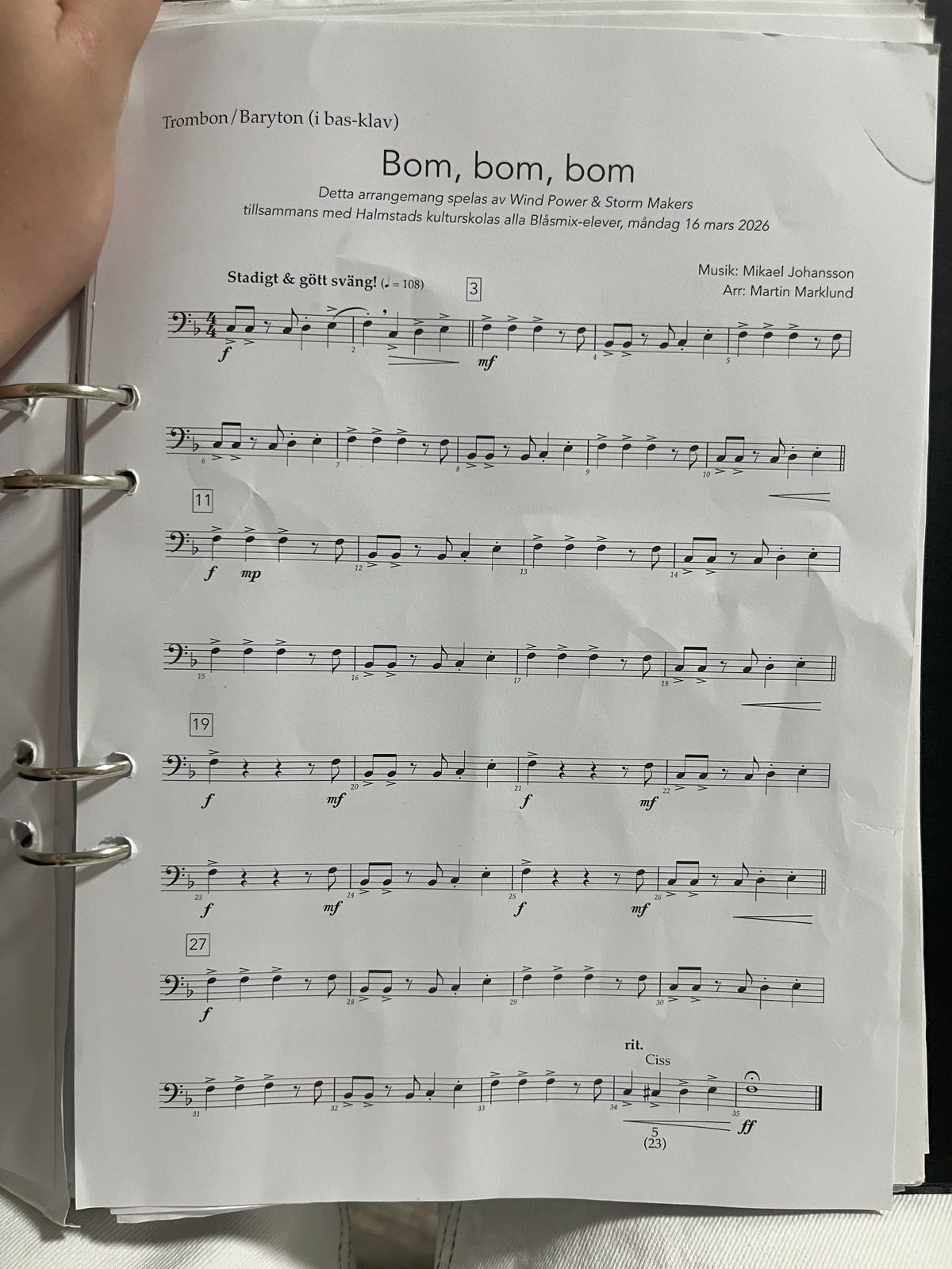
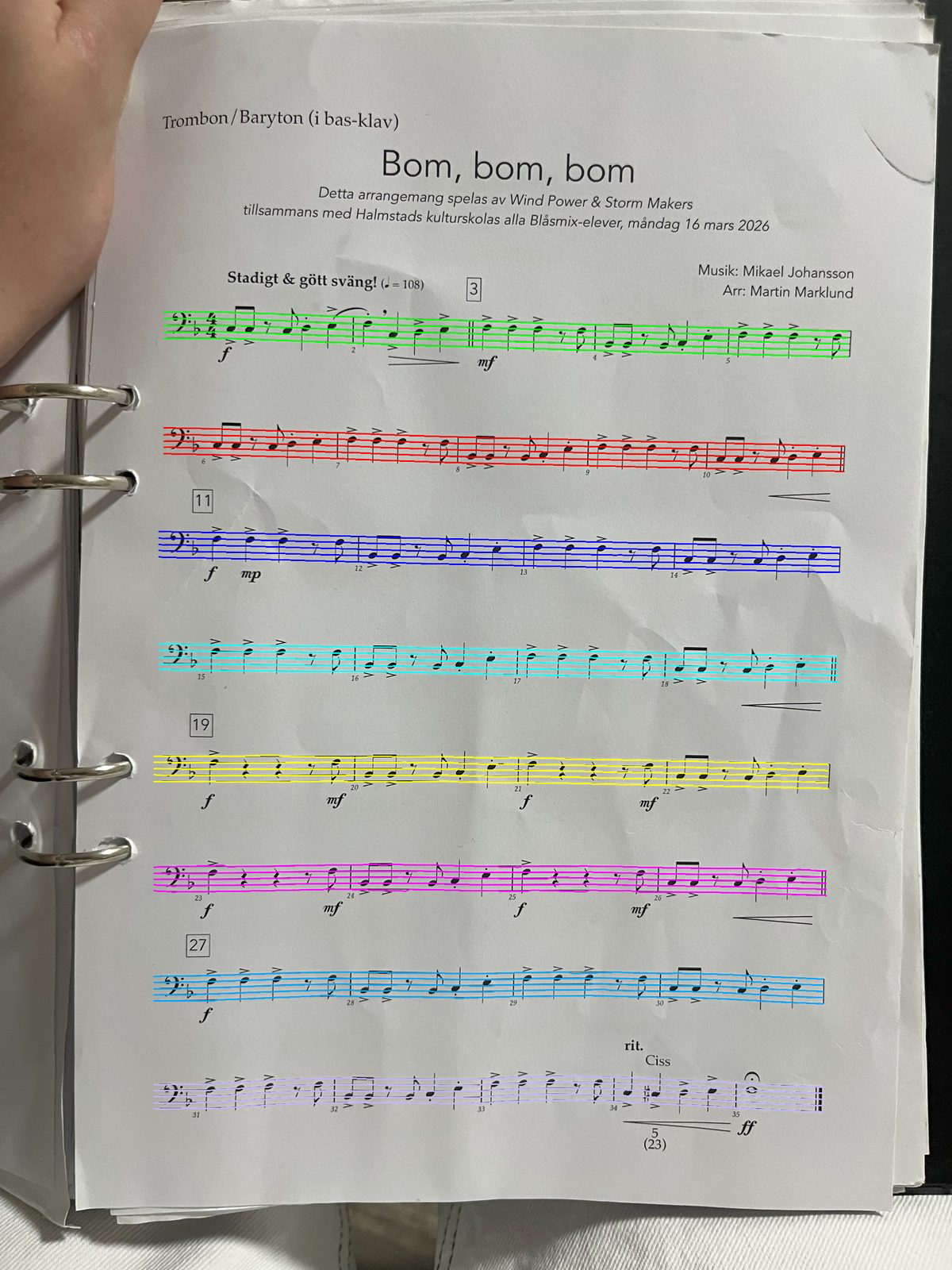
Audiveris was designed around flatbed scans: flat, evenly lit, square-on. A phone photograph has perspective, shadow, page curl and glare all at once, and on our benchmark that difference took Audiveris from 88% to 50%. That is not a criticism of the software, since we were measuring it well outside its design intent, but it is the reality if the scanner you own is the camera in your pocket.
2. The setup
Audiveris is a desktop Java application that wants a fair amount of configuration before it gives you good results. For a developer that is a normal afternoon. For a piano student who wanted to hear page 23 before the lesson on Thursday, it is the reason the page never got scanned.
3. You wanted to practise, not export
Audiveris ends at a transcription you can edit and export. If the goal was a MusicXML file, that is the right ending. If the goal was to hear the piece, loop the four bars you cannot play, and slow them down, you have been handed the first step of a job and left to find the rest somewhere else.
Sheetly against Audiveris, measured
On identical inputs through an identical scorer, Sheetly scored 96% strict F1 on clean renders to Audiveris 5.11.0’s 88%, and 95% on simulated phone photographs to Audiveris’s 50%. On OLiMPiC, a public suite of 60 systems cut from real scanned pages we did not author, Sheetly scored 90% mean / 99% median and produced usable output for all 60 scores; Audiveris scored 58% / 65% and produced output for 50 of 60.
Strict F1 is the harshest common measure: a note counts only when its pitch, its onset and its duration are all correct. A transcription that gets every pitch but fumbles the rhythm scores badly, as it should. Sheetly’s figures are from an August 2026 run; the Audiveris figures are from the July 2026 run on the same pinned files, when both systems were run side by side. The full method, including what we did not measure, is on the benchmark page.
| Suite | Sheetly | Audiveris 5.11.0 |
|---|---|---|
| 31 pieces, clean renders | 96% | 88% |
| Same 31 pieces, simulated phone photograph | 95% | 50% |
| OLiMPiC, 60 systems cut from real scanned pages (mean) | 90% | 58% |
| OLiMPiC (median) | 99% | 65% |
| OLiMPiC, scores with usable output | 60 of 60 | 50 of 60 |
Read the clean row generously towards Audiveris: on a flat scan it is doing the job it was built for, and doing it well. Read the OLiMPiC rows as the strongest evidence on the page, because the inputs are somebody else’s and we cannot tune against them.
It says nothing about PlayScore 2, ScanScore, PhotoScore or Sheet Music Scanner. They are closed products we have not run through the same harness, so we publish no numbers for them and draw no conclusions. Audiveris appears here because it is open and the result is checkable.
What Sheetly does after the scan
Sheetly is built around what happens once the page has been read. It plays the score at any tempo on piano, organ, flute, trumpet and other sounds, loops a single bar or passage, records your own take against the score, exports PDF, MIDI and MusicXML, and includes a coach that has read the actual notes of the piece you scanned.
If you came to Audiveris to hear a piece, this is the half of the job it was never trying to do. Loop the four bars that keep collapsing. Drop the tempo until they hold, then walk it back up. Let it play the left hand while you play the right. Record a take and hear where you rushed.
Ask Sheetly: a coach that has read your score
Not a chatbot bolted onto a music app. The coach has the actual notes of the page you just photographed, so you can ask about your bar 12 and get an answer about what is written in it.
We know of no other sheet-music scanner that does this. Every other tool on this page hands you a transcription and stops.
And what it does not do
Two things Audiveris has that Sheetly does not, stated plainly. There is no correction editor: if a note is misread, the fix is a better photograph and a rescan, not a click. And Sheetly needs a connection to scan, because the recognition runs on a server; Audiveris runs entirely on your machine. Scores already scanned in Sheetly play back offline.
Which one should you use?
Use Audiveris if you have a flatbed scanner and a desktop, want an editable MusicXML file, and are happy to spend some time on setup. It is free and genuinely capable on flat scans. Use Sheetly if your pages are phone photographs, you want the piece playing on your phone within a minute, and you want to practise it rather than edit it.
- Flatbed scanner, desktop, no budget. Audiveris. Try it before paying anyone.
- Phone photographs of a bound book. Sheetly. That is the column where the gap is widest.
- You need to correct the transcription by hand. Audiveris has an editor; Sheetly does not.
- You want to hear it, loop it, slow it, and ask about it. Sheetly.
- Developer or researcher. Audiveris, and oemer if you want an end-to-end neural project to study.
The photograph is the input. Not a problem to work around.
Photograph the page on your stand, hear it within a minute, loop the bars that need work, and ask the coach what to drill. Free to download on iPhone and iPad.

Free to download · iPhone and iPad · Android on the way

Questions
Is Sheetly more accurate than Audiveris?
On Sheetly’s own benchmark, yes on every suite measured. On 31 pieces, Sheetly scored 96% strict F1 clean and 95% on simulated phone photographs; Audiveris 5.11.0 scored 88% and 50%. On the public OLiMPiC suite of 60 systems cut from real scanned pages, Sheetly scored 90% mean to Audiveris’s 58%. The clean-scan gap is modest; the photograph gap is large.
Is Audiveris still worth using?
Yes, if you have a flatbed scanner, a desktop computer, some patience and no budget. Audiveris is free, open source, scored within three points of Sheetly on clean scans, and has a correction editor. Its weakness is phone photographs, which it was not designed for.
Can Sheetly read a photograph taken with a phone?
Yes. Sheetly is built around a phone photograph as the expected input, with perspective, shadow and page curl treated as normal rather than exceptional. On Sheetly’s 31-piece benchmark it scored 95% strict F1 on simulated phone photographs, against Audiveris’s 50% on the same images.
Does Sheetly have an editor like Audiveris?
No. Audiveris lets you correct misread notes in an editor before export. Sheetly does not have an editor; if a scan comes back with a mistake, the fix is a better photograph and a rescan. Sheetly exports PDF, MIDI and MusicXML as read.
Is Sheetly free like Audiveris?
Sheetly is free to download on iPhone and iPad, with a Pro subscription for the features a learner uses daily. Audiveris is free and open source with no subscription. If cost is the only criterion and you have a desktop and scanner, Audiveris is the answer.
Does Sheetly work offline like Audiveris?
Not for scanning. Audiveris runs entirely on your computer. Sheetly needs a connection to scan a new page and to ask the coach, because the recognition runs on Sheetly’s servers; scores already scanned play back offline.